


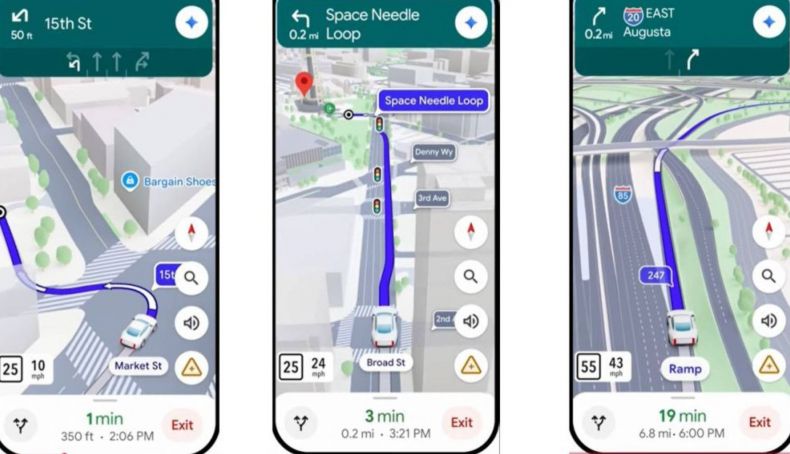
Artificial Intelligence Is Now Available in Google Maps
A long time has passed since Google first launched its Maps application. In 2005, a web-based version was introduced, offering the ability to view maps and satellite imagery of any location worldwide. Later, street-level imagery was added—a feature that often helps us locate specific places.
As with all products from this American company, the application has evolved continuously over the years, incorporating new features. Today, its use has expanded significantly through mobile apps, which now provide driving assistance. Thanks to the integration of cutting-edge technology, these tools have become some of the most advanced and comprehensive options currently on the market.
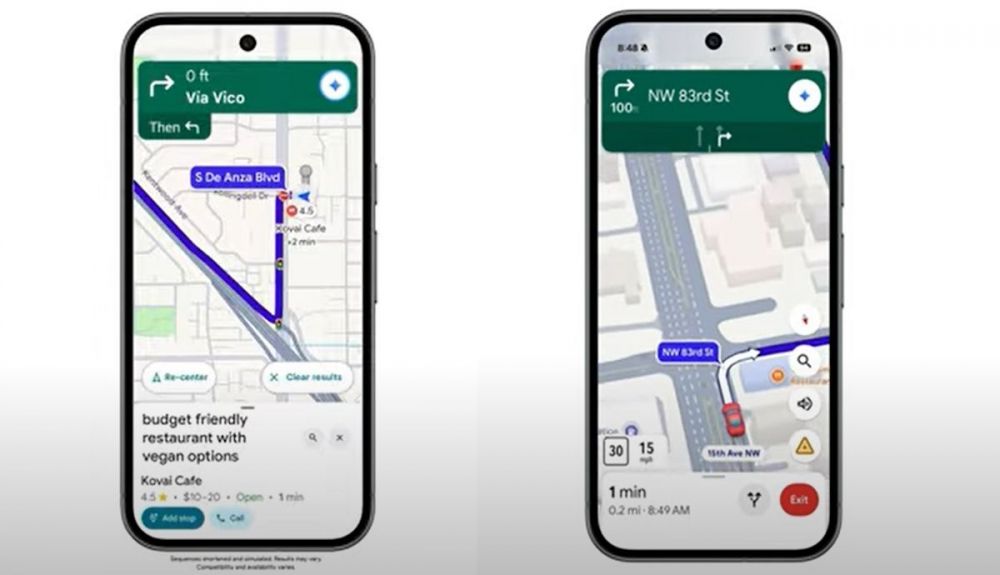
Artificial Intelligence Comes to Google Maps
Following the public release of Google’s artificial intelligence, known as Gemini, the company’s developers have begun integrating its capabilities into various products, including the email service Gmail.
It is important to note that this artificial intelligence is not enabled by default; in many cases, it requires user action. Therefore, you must ensure that the application is updated to its latest version—you can do this via the Google Play Store or the Apple Store. Additionally, you must install the Gemini app on your device. Once installed, you will need to configure it to serve as your system’s default digital assistant.
Once these steps are complete, if everything has been set up correctly, the Gemini icon will appear in the top-right corner, allowing for manual activation. However, if you are driving, we recommend using the application’s voice assistant instead. From that point on, you can simply make a request or ask a question, and it will be incorporated into your navigation guidance.
What we have gathered from user comments on social media is that these new artificial intelligence features in Google Maps are being rolled out gradually. For this reason, some people—even after following the instructions above—may not yet see the Gemini icon on their devices. We expect it is only a matter of time.
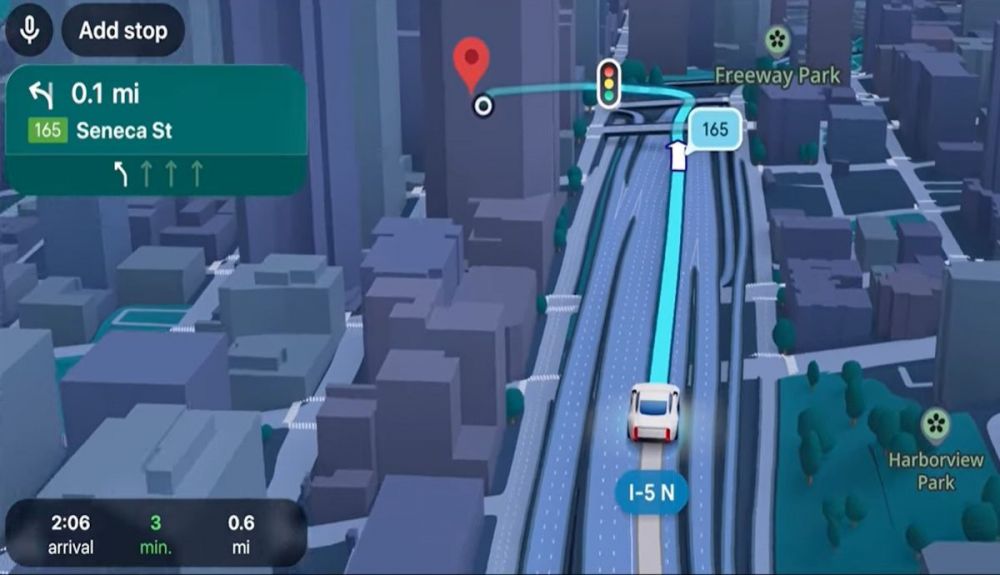
How AI works in Google Maps.
As explained by Google, Gemini possesses reasoning, planning, and memory capabilities, along with a degree of autonomy for decision-making, learning, and adapting to each individual user. It can simultaneously process various types of information—such as text, code, or documentation—even in real time, making it an exceptionally valuable tool.
As previously mentioned, the input used to interact with Google Maps—referred to as a "prompt" in the field of artificial intelligence—consists of a question or request directed to the platform. For instance, after entering a route, you can ask the system to recommend an Italian restaurant if needed. Similarly, you can request that it find overnight accommodation at your destination. Furthermore, it is highly useful for identifying the most affordable gas station along your route.